
SHRED A BILLION Upgrade Priority: What to Buy First
The upgrade order that actually speeds up SHRED A BILLION, from the first hand levels to drones, with stop rules for every category.
The upgrade board has more than 100 entries, and the game does not rank them for you. That is the good part and the bad part. A new player can spend a full hour's income on hand speed and wonder why the vault still feels slow.
This is the order that removes the most walking per dollar. It assumes a fresh save, no co-op discount tricks, and a goal of reaching the vault door without grinding.
Three companion guides cover the decisions around this one: the SHRED A BILLION Upgrade Tier List by Category→, the SHRED A BILLION Skill Tree Guide and Builds→, and the SHRED A BILLION Vault Floors: 1-5 Walkthrough→.
The one rule behind every purchase
Ask what the upgrade removes. There are only three answers:
- It removes a trip (capacity, reach, vacuum range).
- It removes time inside a trip (grab speed, movement speed, suction rate).
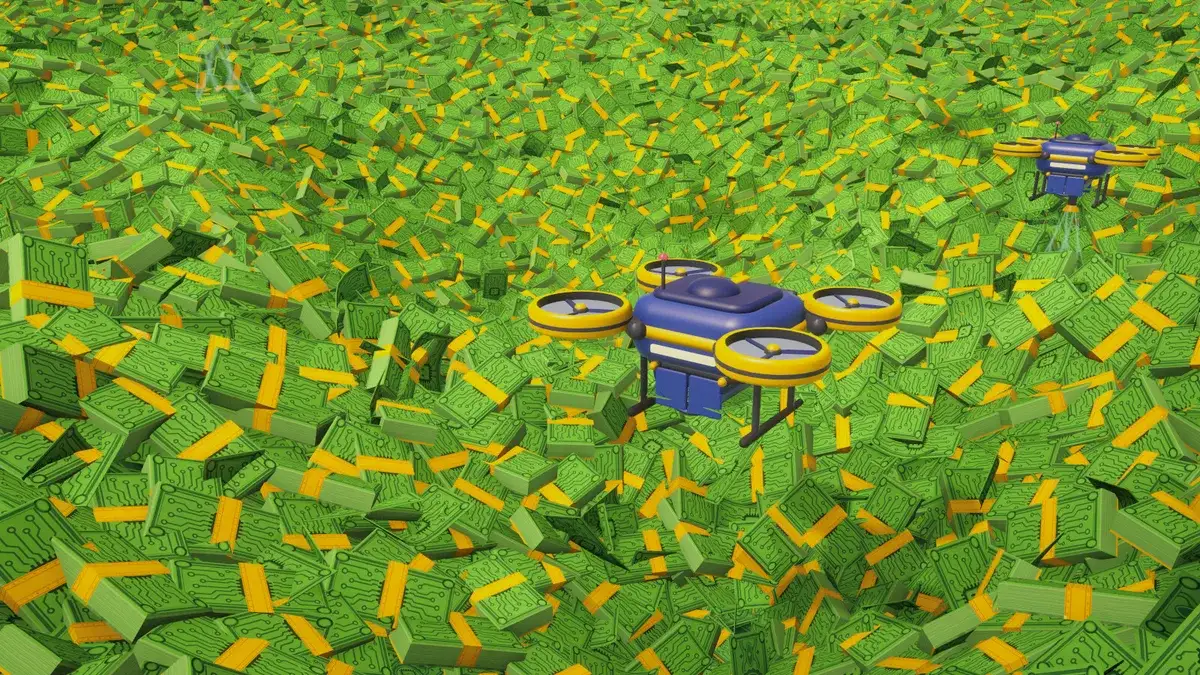
- It removes the trip entirely (drones, auto-collect).
Trips are the expensive part. A 10% grab speed increase saves a fraction of a second per bill. A capacity increase that removes one walk across the vault saves thirty seconds. Early on, always buy the trip remover.
Phase 1: hands and the first bucket
Buy in this order:
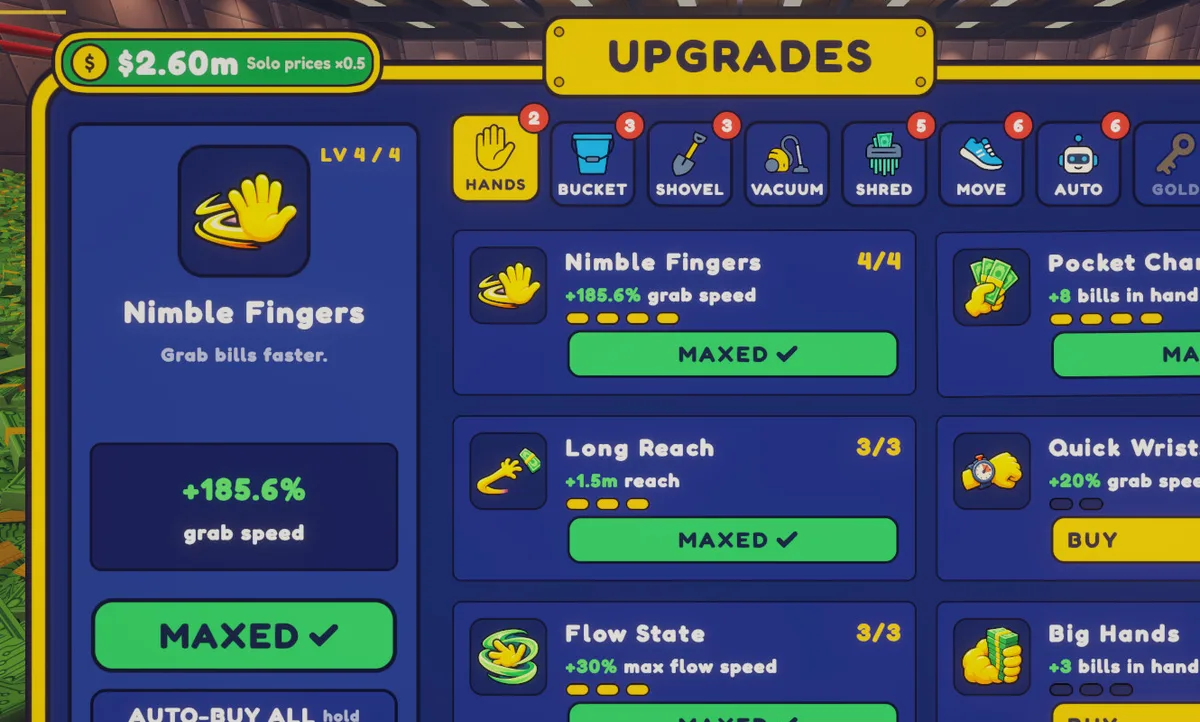
- Bills in hand until the next level costs more than a tool upgrade.
- Reach one or two levels.
- Grab speed only when the two above are maxed or priced out.
- Bucket unlock as soon as it appears.
The hand category is small and cheap. Do not max it out of habit. Its job is to get you to the bucket, and the bucket immediately makes hand capacity irrelevant for large piles.
If the board offers a free or cheap "flow" upgrade that raises your maximum carrying speed, take it after capacity. Flow affects how fast you can chain grabs, which matters in a room with many small piles.
Phase 2: bucket, shovel, and the first real route
The bucket is the first tool that feels like a upgrade rather than a number. Prioritize:
- Bucket capacity, because a bucket trip should clear a visible pile.
- Bucket reach, because the scoop has a sweet spot and reach lets you stand outside the pile.
- Shovel unlock, because packed piles block the route down.
Do not buy the shovel's damage or speed upgrades before you own the shovel. The board shows them early to teach you the category, but the level is dead until the tool is in your hand.
The shovel changes routing more than income. It opens floor transitions and lets you break piles that the bucket cannot dent. Buy the first level, then go find a packed pile and test it before spending more.
Phase 3: shredder timing
The shredder category is easy to neglect because it does not change the walking. It changes the conversion rate between "bills carried" and "money available". If your trips are full and your wallet is empty, the shredder is the bottleneck.
A good rule: keep the shredder within one or two levels of your best carrying tool. If a shredder level costs less than a capacity level and you are already carrying full loads, buy the shredder first.
Do not over-invest in shredder speed before the vacuum. The vacuum multiplies the amount of material you can feed per minute, and a fast shredder with a slow intake is a sports car in a traffic jam.
Phase 4: vacuum and the automation pivot
The vacuum is the last hand-held tool and the point where the game changes genre. Buy the vacuum unlock, then:
- Intake width.
- Suction rate.
- Capacity.
- Range.
Width and rate are the two that make a room feel empty. Capacity matters because the vacuum fills fast, and range matters least because you can walk while suction is active.
Once the vacuum is functional, stop buying hand and bucket levels entirely. Their only remaining value is achievement cleanup. Put the money into the automation category and start saving for drones.
If an upgrade for an old tool costs more than half of the next tool unlock, skip it. The new tool will outperform the old one even at level one.
Phase 5: drones and the idle curve
Drones are not a luxury. They are the first system that earns while you do something else. The priority inside the automation category is:
- Drone count until you have a working swarm.
- Drone carry capacity, so each trip matters.
- Drone speed, last, because a slow drone with a big load still clears a pile.
Sixteen is the cap. Do not chase the cap immediately; the early drones are expensive and the marginal one is less valuable than a capacity upgrade for the ones you own.
The automation pivot has a clear feel: you stop following the swarm and start doing laps between the shredder and the upgrade board. When that happens, the game is working as intended.
What to skip entirely
Cosmetic-adjacent economy nodes. If a node only modifies a rare golden banknote effect, it can wait until the post-vault cleanup.
Critical-hit style nodes. They add variance, not throughput. Fun, but not a priority while you are still removing trips.
Movement speed after the jetpack. The jetpack covers vertical distance, and the vault's horizontal distances are short. A movement upgrade is a quality-of-life purchase, not a progression one.
Any upgrade that only helps a tool you do not own. The board does not hide locked categories, and new players buy dead levels because the price looks cheap.
Co-op price scaling
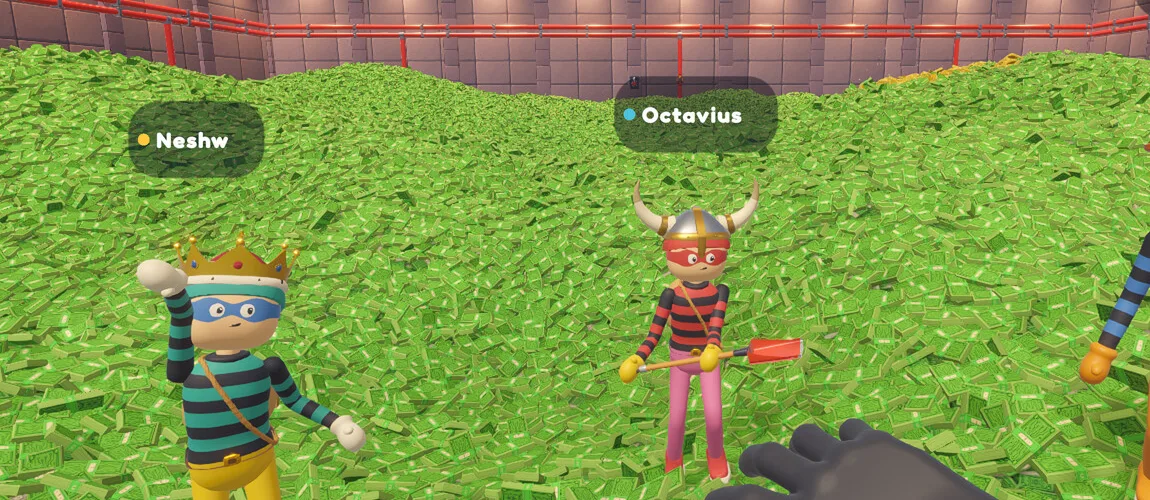
The upgrade board shows a solo price multiplier. In a group, the same level costs more. That changes the priority slightly: capacity upgrades that benefit the whole party are better than personal speed upgrades, because four players all benefit from a shorter trip.
Agree on a buyer. If everyone buys their own hand speed, the group pays four times for a stat that does not stack across players. If one player buys the shared shredder and another buys drone capacity, the group gets more per dollar.
A sample first-hour shopping list
| Order | Purchase | Why |
|---|---|---|
| 1 | Hand capacity 2 | Removes the first extra trip |
| 2 | Hand reach 1 | Lets you grab from the pile edge |
| 3 | Bucket unlock | First real scoop |
| 4 | Bucket capacity 2 | One trip per visible pile |
| 5 | Shovel unlock | Opens the route down |
| 6 | Shredder 2-3 | Converts full loads faster |
| 7 | Vacuum unlock | Changes the clear speed |
| 8 | Vacuum width 2 | Room-scale suction |
| 9 | Automation 1-2 | Starts the drone save |
The exact prices change with co-op and with sales, but the order holds. If you follow it and still feel slow, the problem is your route, not your build.
When to stop buying and start descending
If the next upgrade costs more than a full vault floor's income, go deeper. The lower floors have larger denominations, and a single deep pile can fund the upgrade you were saving for. The vault is designed to be re-entered; you are not abandoning the upper floors, you are letting them appreciate.
The facts on this page are checked against the Steam store page ↗, the launch announcement feed ↗, and the official Discord ↗.
Related
- SHRED A BILLION Upgrade Tier List by Category→
- SHRED A BILLION Skill Tree Guide and Builds→
- SHRED A BILLION Money Guide: Bills, Bundles, Income→
FAQ
What should I upgrade first?
Capacity on the tool you are using, then the next tool unlock, then payout. Movement and reach come after the tool chain is stable.
Should I save for the next tool or max the current one?
Unlock the next tool. A new tool changes your route and your income per trip; a few levels on an old tool only shave seconds.
Sources
Official source: SHRED A BILLION on Steam ↗ and the developer's patch notes in the official Discord.